LinkedIn headshots that get read the right way
Your LinkedIn photo renders smaller than a postage stamp, and recruiters still judge it first. Here is what actually matters — and how to get it done from one selfie.
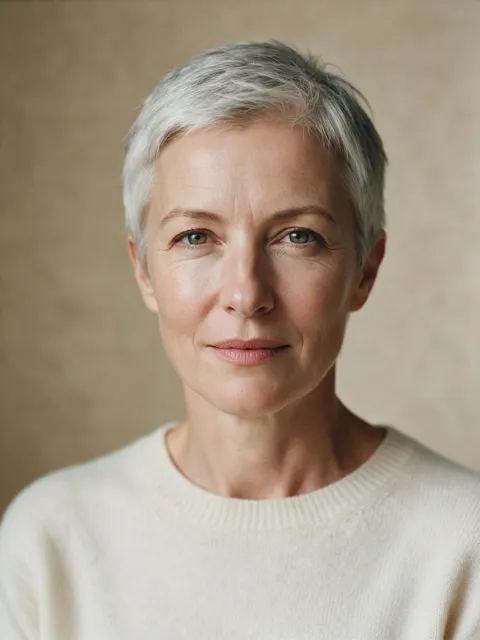
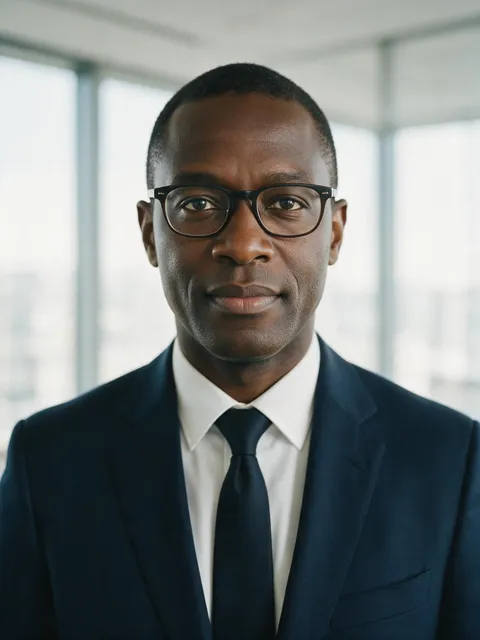

LinkedIn shows your photo small — design for that
LinkedIn renders your photo as a circle that is rarely bigger than 48 pixels in a feed and 300 pixels on your own profile. At that size, nothing survives except your face, your expression, and the contrast between you and the background. Fine detail in your clothing disappears; the color blocking does not.
That has three practical consequences. Your face should fill roughly 60% of the frame — further away and you become a silhouette. The background needs to be one calm, blurred tone so your outline stays readable. And your expression matters more than anything else, because it is the only text a tiny circle can carry. Our LinkedIn headshot guide goes deeper on framing and expression; this page is about getting the shot itself.
The backdrop decision
For LinkedIn specifically, neutral studio backdrops outperform everything else. Warm gray is the safest choice on the platform: it reads professional in both light and dark UI themes, and it works with every skin tone and outfit color. A softly blurred bright office is the right pick when you want to signal "currently working, modern environment" — tech, startups, and most individual contributors. Deep navy reads more formal and suits finance, law, and senior leadership.
What to avoid: outdoor backgrounds (the green cast fights LinkedIn's blue-gray interface), heavy texture, and anything bright enough to pull the eye off your face. We wrote a full breakdown in our headshot background guide, including the backdrop × outfit contrast matrix.
The outfit decision
Dress one notch above your daily reality: the photo should look like the version of you that shows up to an interview, not the version that answers Slack at 11 pm. For most roles that means a blazer or structured knit; for client-facing and senior roles, a suit. Solid, mid-tone colors photograph best at LinkedIn's tiny render size — fine patterns can moiré, and pure white blows out against light backdrops.
If you are unsure, navy over white or ivory never fails. Our what-to-wear guide walks through the choice by industry, and every HeadshotSharp round lets you pair any backdrop with any outfit, so you can test two directions in one order.
What a LinkedIn headshot costs
A studio session in a major US city averages around $232.50 once you include a usable set of retouched finals, and typically takes two to three weeks from booking to delivery. You get one backdrop, one outfit, and a handful of images.
HeadshotSharp is a one-time $29: one clear selfie becomes 24 studio-quality headshots — your pick of backdrop and outfit — delivered in as little as 15 minutes. If none of the 24 is usable, the 14-day Profile-Worthy Promise covers a refund, extra credits, or a regeneration. The full math is in our AI vs. traditional photography comparison.
From selfie to LinkedIn in one sitting
The process: upload one clear, front-facing selfie, pick a backdrop and an outfit, and review 24 results. Pick the one where you look like yourself on a good day — that is the criterion that matters, not "most flattering." Upload your selfie when you are ready, or check pricing first; every plan includes the full 24-photo round.
- One selfie in, 24 headshots out — no appointment, no travel
- Any backdrop × any outfit, with edit credits to rerun single photos
- Delivered in 15 minutes to 2 hours depending on plan
- Full commercial rights: LinkedIn, resume, company page, email signature
Pick a backdrop that fits the role
These are our own style templates — the same options the style picker offers in a real round.




Pair it with the right attire




LinkedIn headshot FAQ
What size should a LinkedIn headshot be?
LinkedIn accepts profile photos from 400×400 pixels up. Every HeadshotSharp download is well above that, so any result works — what matters is the crop: keep your face filling about 60% of the frame, centered, with headroom.
Should I smile in my LinkedIn photo?
A slight, genuine smile consistently reads as more approachable and competent in professional contexts. Because each HeadshotSharp round produces 24 variations across expressions, you can compare a subtle smile against a neutral look side by side and pick the one that reads most like you.
How often should I update my LinkedIn headshot?
Whenever your appearance changes noticeably — new glasses, hairstyle, facial hair — or roughly every two years. With a $29 one-time round, updating no longer needs to be a planned expense. More detail in our guide on how often to update your LinkedIn headshot.
Is an AI headshot acceptable on LinkedIn?
LinkedIn's requirement is that the photo is actually you. A HeadshotSharp headshot is generated from your own selfie as a likeness reference — same face, professional setting — so it satisfies the rule. Choose the result your colleagues would recognize instantly.
Can I use the same photo for my resume and email signature?
Yes. Every download comes with full commercial rights, so one round covers LinkedIn, your resume, the company team page, and your email signature. Consistent photos across touchpoints are a small but real trust signal.
Explore other headshot types
Your linkedin headshot is one selfie away
One selfie, 24 professional photos, from $29 — backed by the 14-day Profile-Worthy Promise.
Upload a selfie